

Signing in
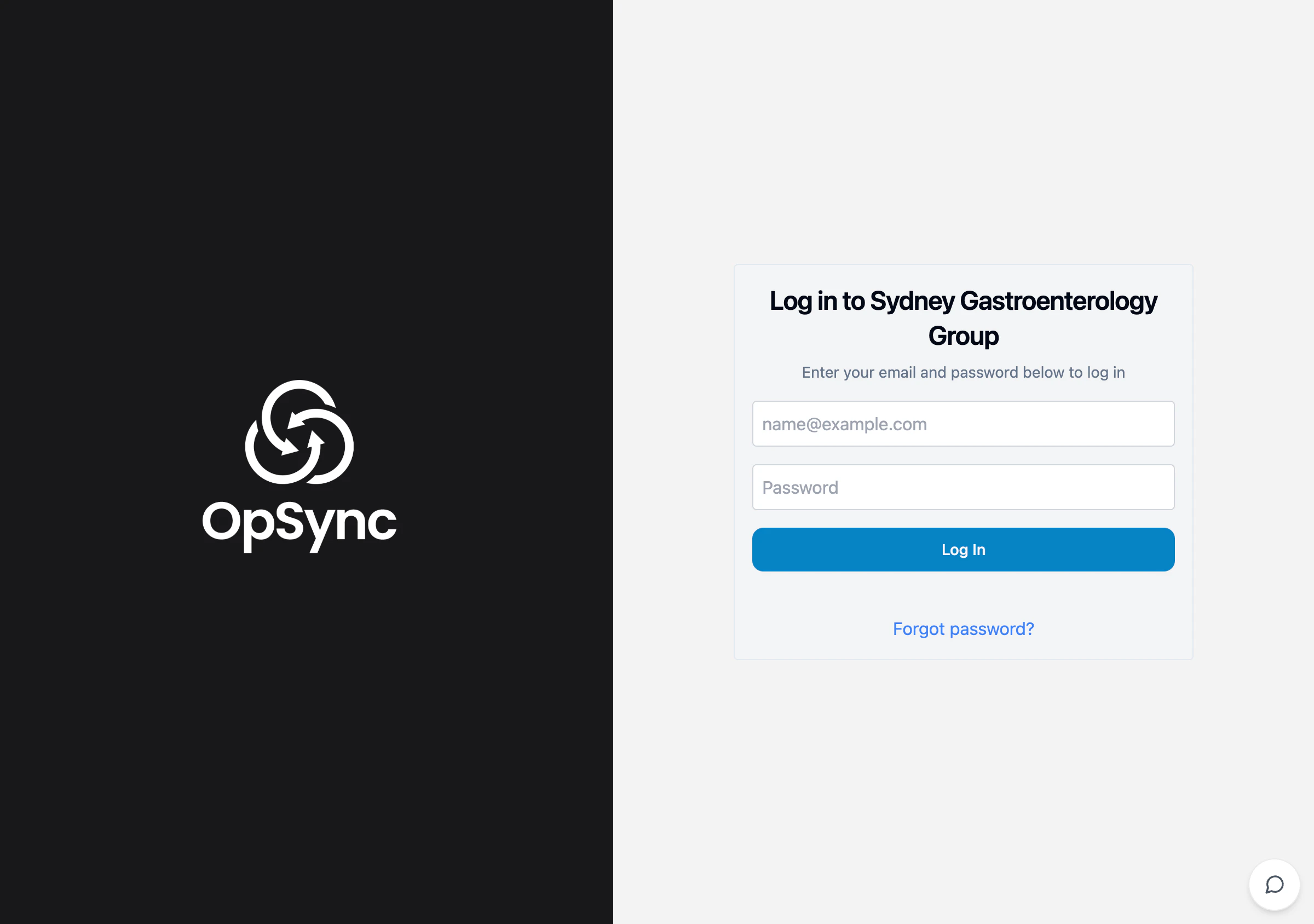
- Go to your practice URL
- Enter your email address
- Enter your password
- Click Sign In
Forgot your password?
- Click Forgot password? on the login screen
- Enter your email address
- Check your email for a reset link
- Follow the link to set a new password