User list
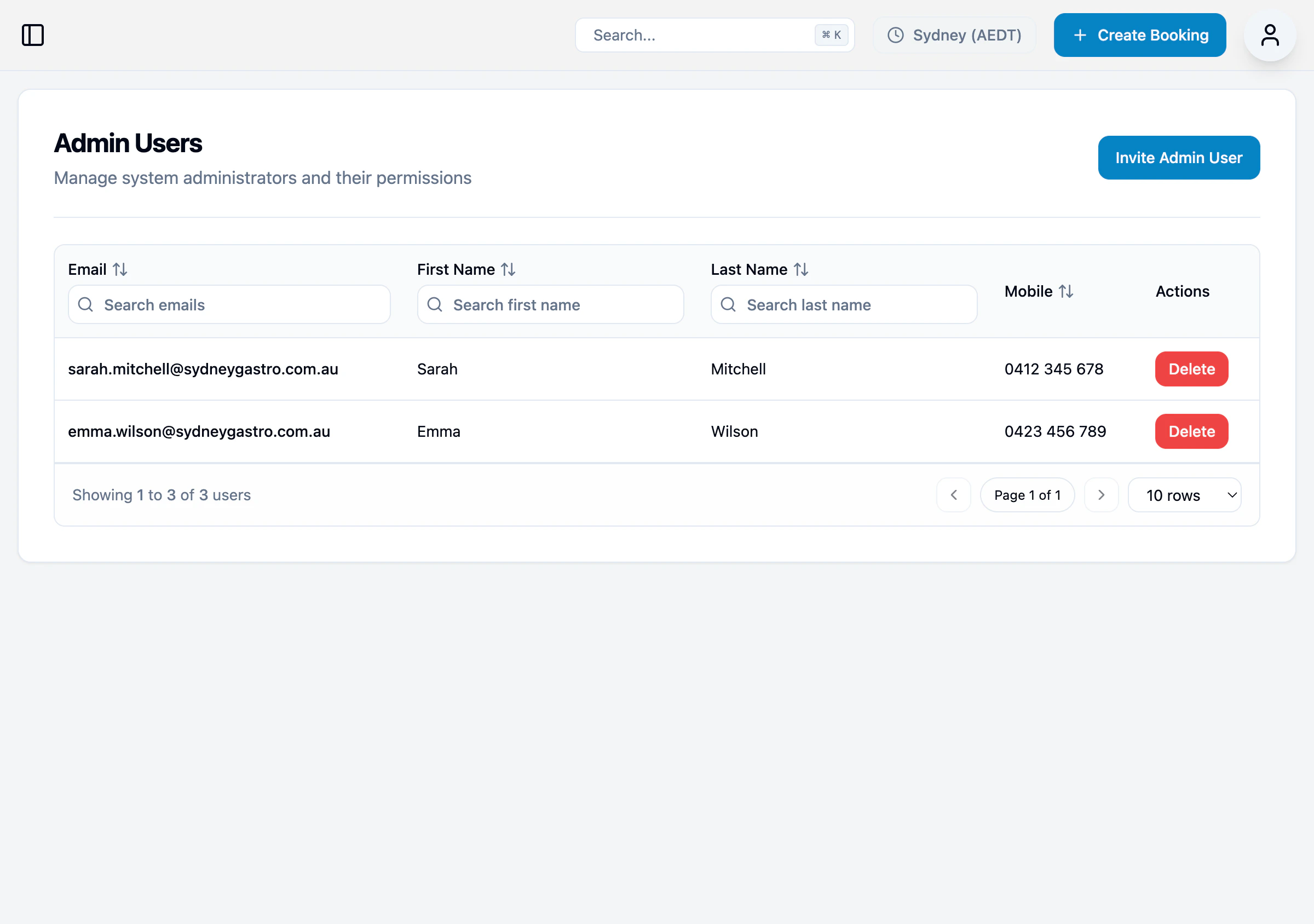
The list shows all administrators with access to your practice:| Column | Description |
|---|---|
| Login email address | |
| First Name | User’s first name |
| Last Name | User’s last name |
| Mobile | Contact phone number |
| Actions | Delete user |
Inviting a new admin
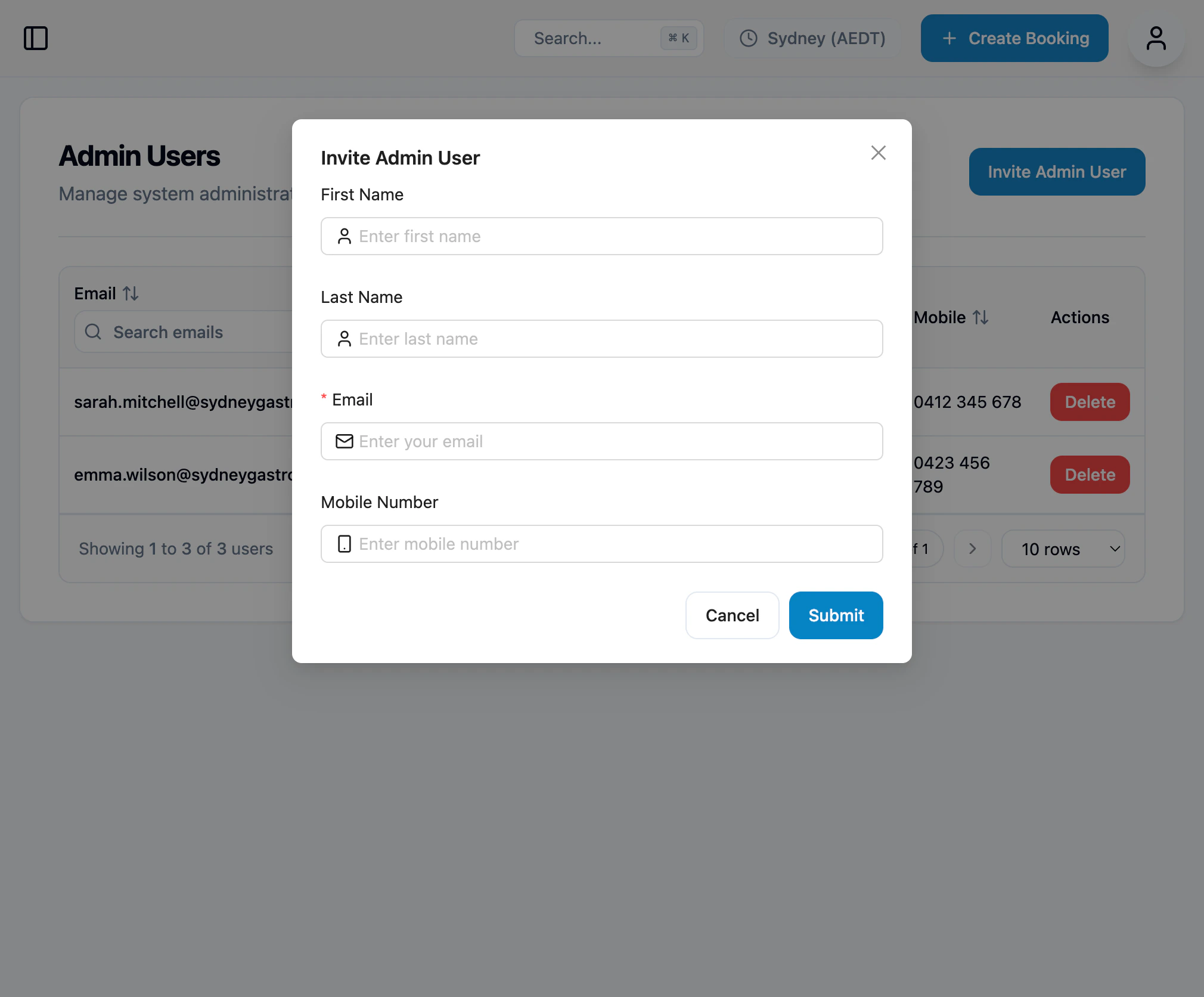
- Click Invite Admin User
- Enter their details:
- First Name
- Last Name
- Mobile Number
- Click Submit
Removing an admin
- Find the user in the list
- Click the Delete button
- Confirm the deletion
Logging in
Admins log in at admin.opsync.com.au using their email and password.