

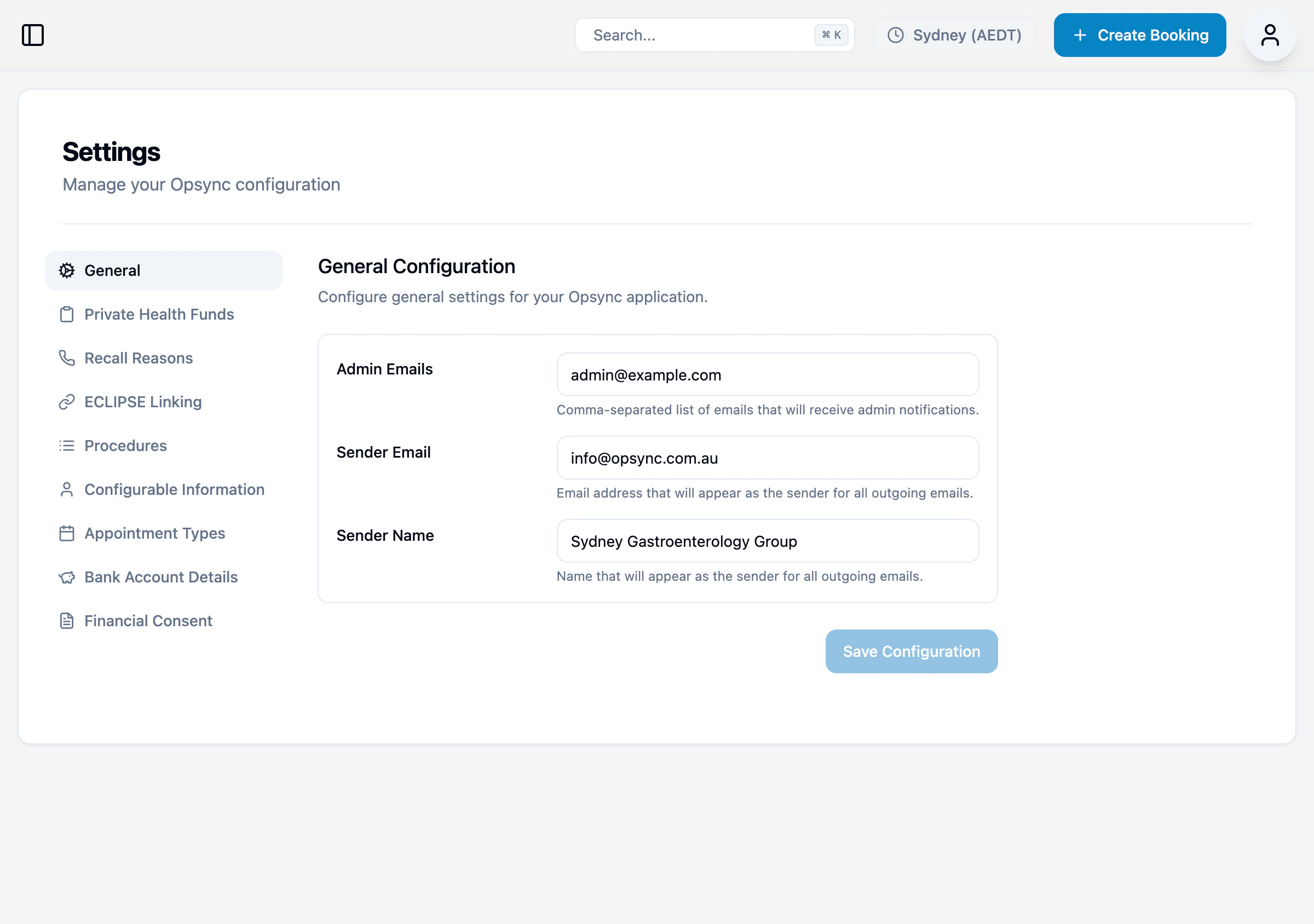
General Configuration
Basic settings for your practice.| Setting | Description |
|---|---|
| Admin Emails | Comma-separated list of emails that receive admin notifications |
| Sender Email | Email address that appears as the sender for all outgoing emails |
| Sender Name | Name that appears as the sender for all outgoing emails |
Private Health Funds
Manage the list of health funds and their gap types.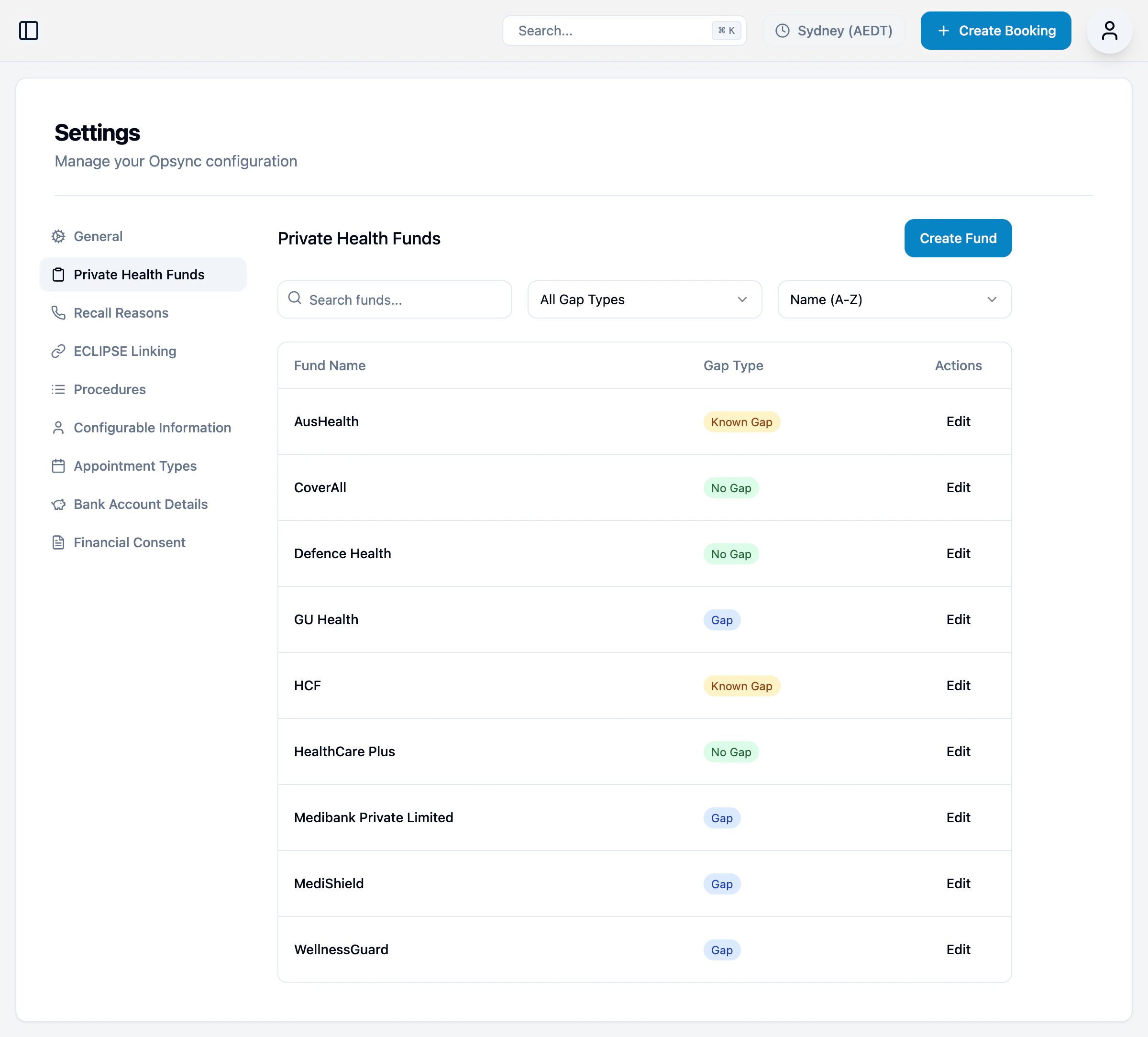
| Column | Description |
|---|---|
| Fund Name | Health fund name |
| Gap Type | Known Gap, No Gap, or Gap |
Configurable Information
Manage your practice information used throughout the application.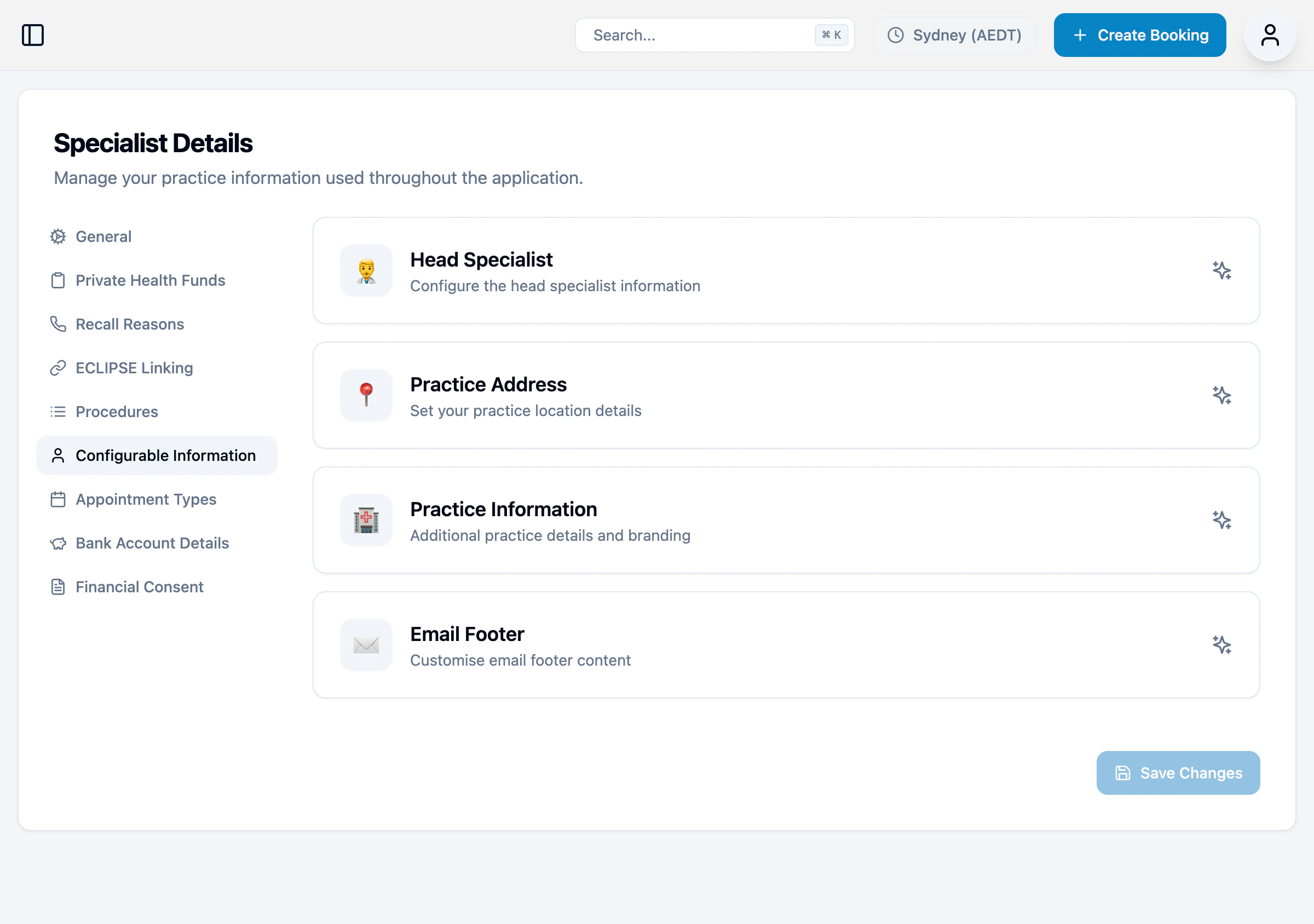
| Section | Description |
|---|---|
| Head Specialist | Configure the head specialist information |
| Practice Address | Set your practice location details |
| Practice Information | Additional practice details and branding |
| Email Footer | Customise email footer content |
Bank Account Details
Manage bank account details for patient payments via bank transfer.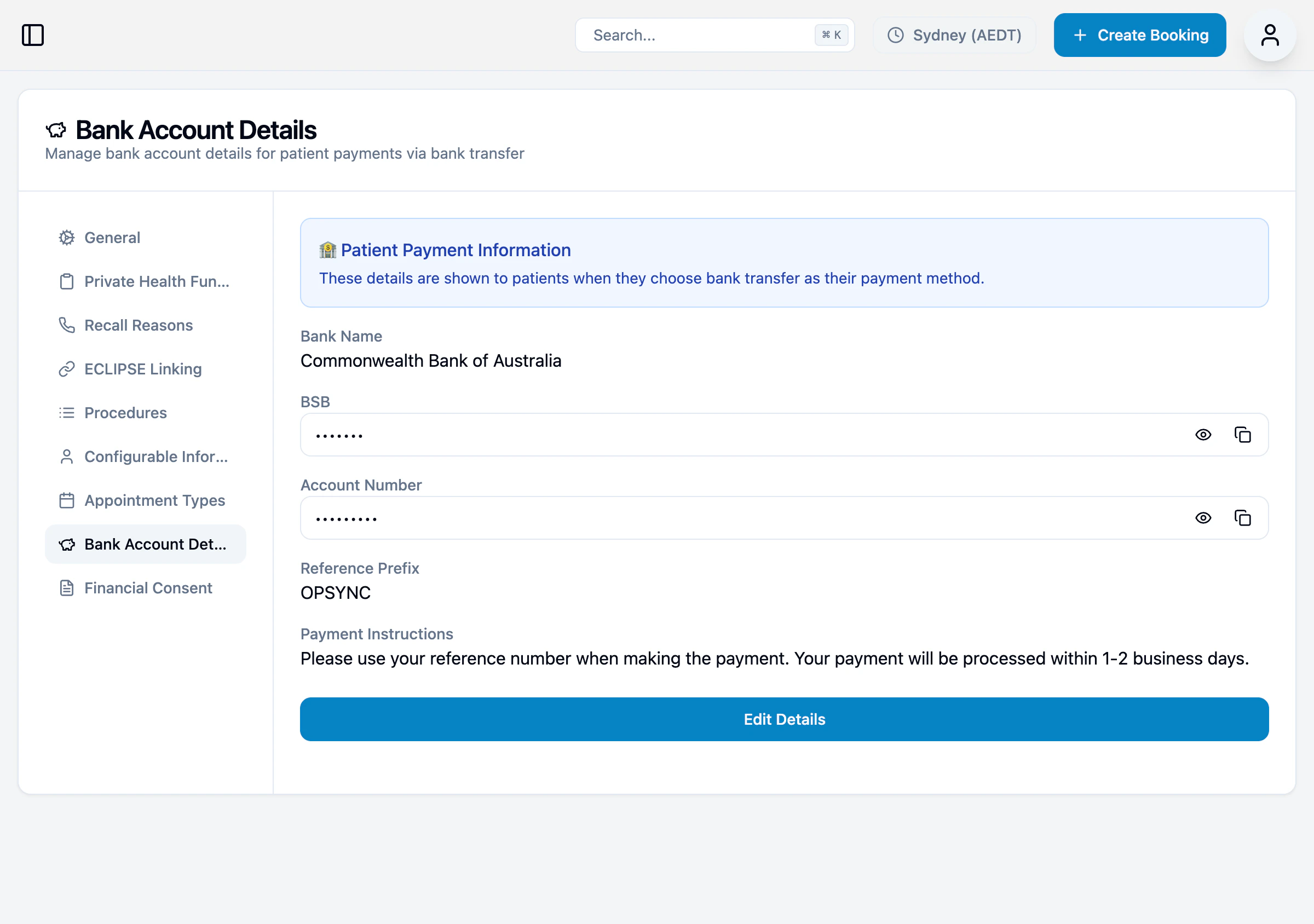
| Field | Description |
|---|---|
| Bank Name | Your bank’s name |
| BSB | Bank-State-Branch number |
| Account Number | Your account number |
| Reference Prefix | Prefix added to payment references |
| Payment Instructions | Instructions shown to patients |