

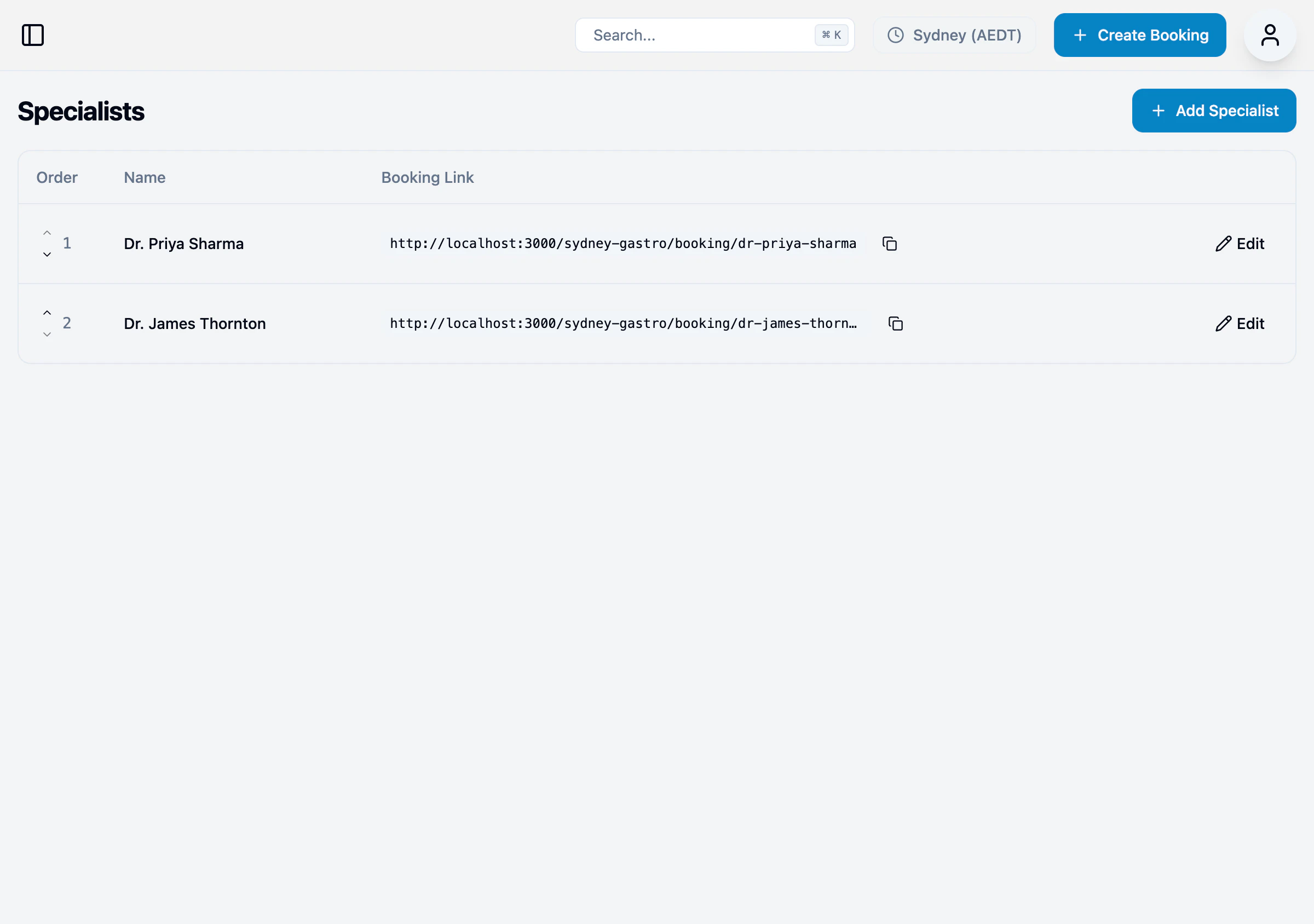
Specialist list
Each specialist has:| Field | Description |
|---|---|
| Order | Display order (use arrows to reorder) |
| Name | Specialist’s name |
| Booking Link | Direct link for patient bookings |
Adding a specialist
- Click + Add Specialist
- Enter the specialist’s name
- Enter a URL slug (used in booking links)
- Click Save Changes
Editing a specialist
- Click Edit next to the specialist
- Update the name or slug
- Click Save Changes
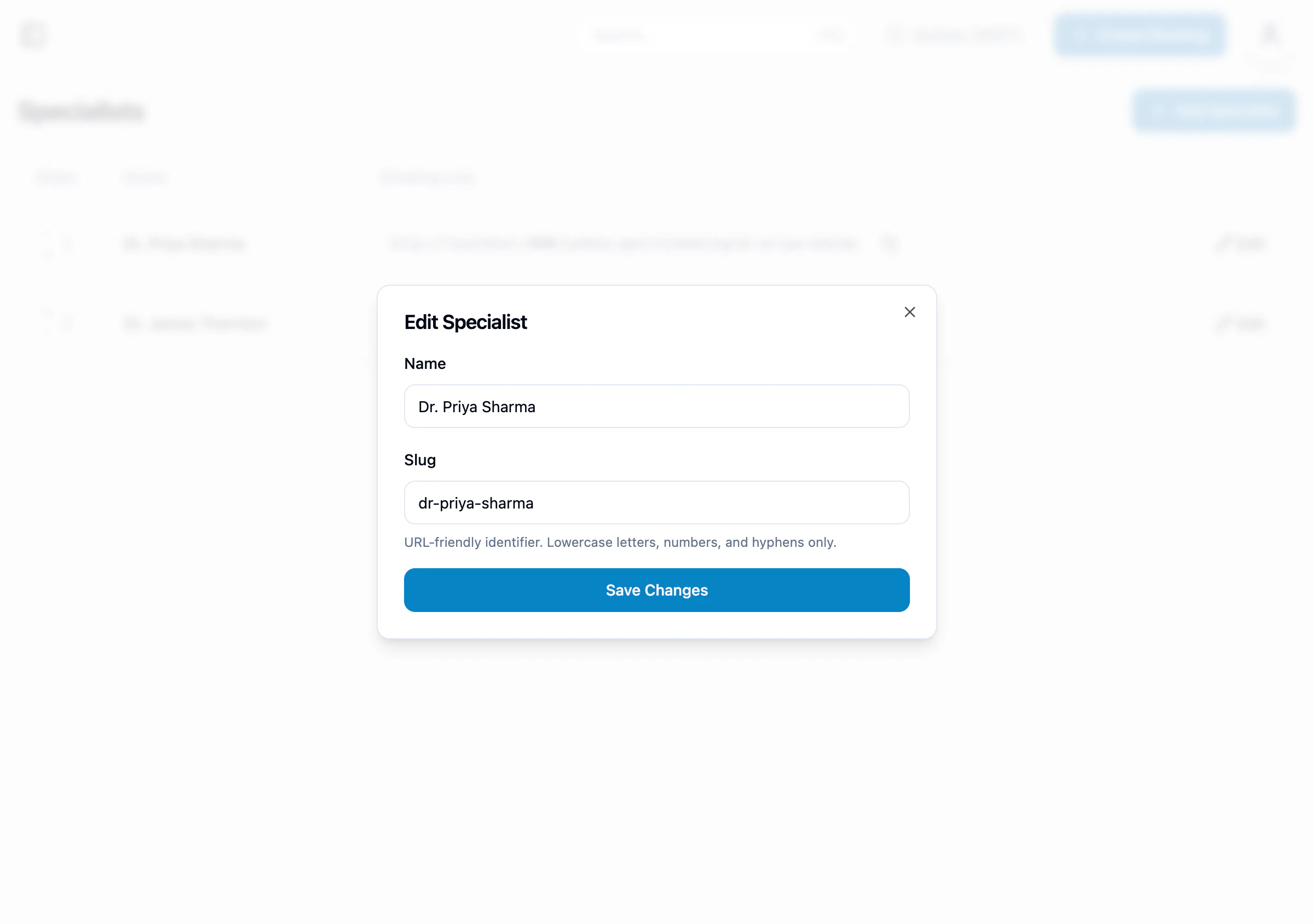
The slug is used in the booking link URL. Use lowercase letters, numbers, and hyphens only.