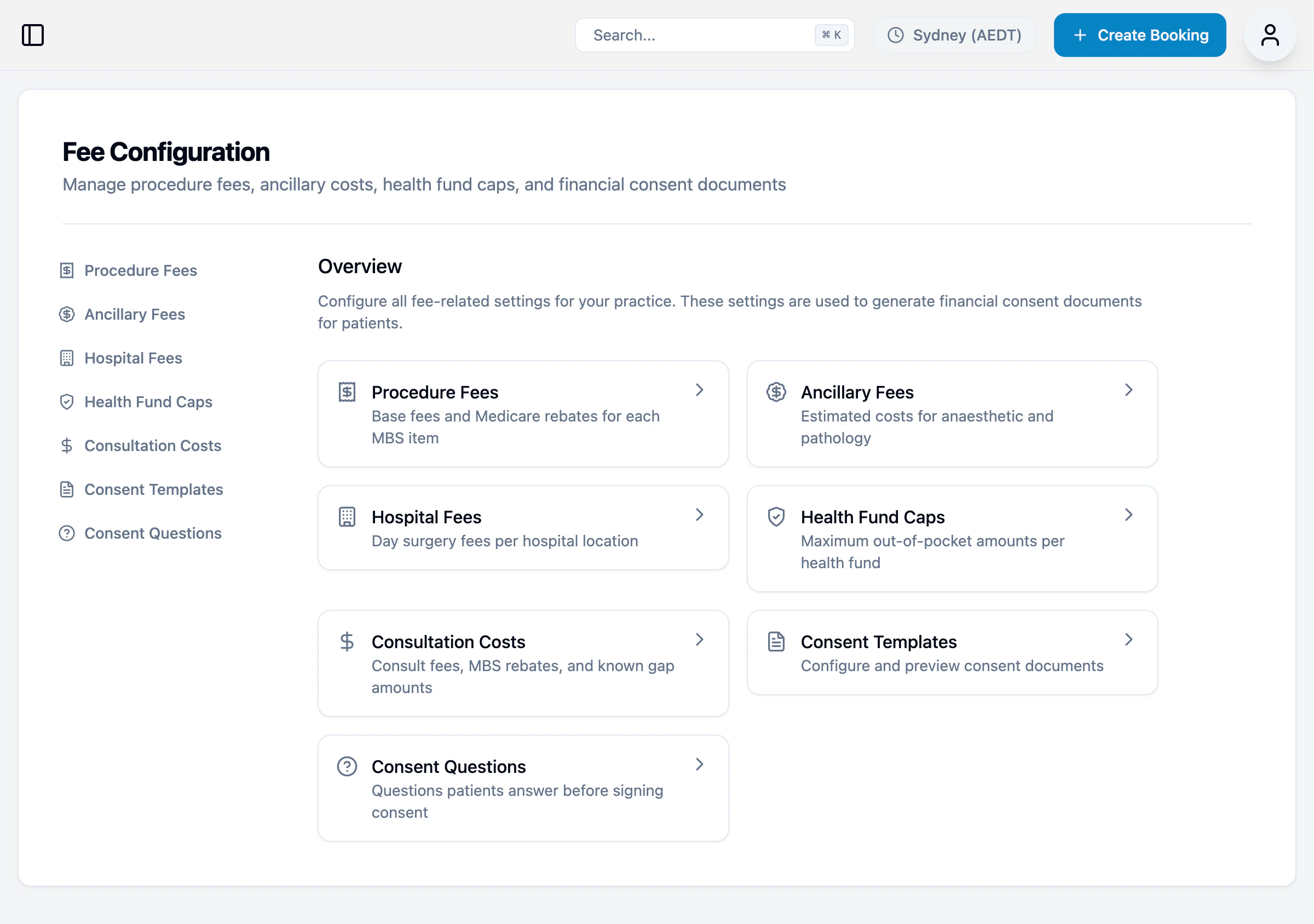
Health Funds
Private health funds and their gap configuration.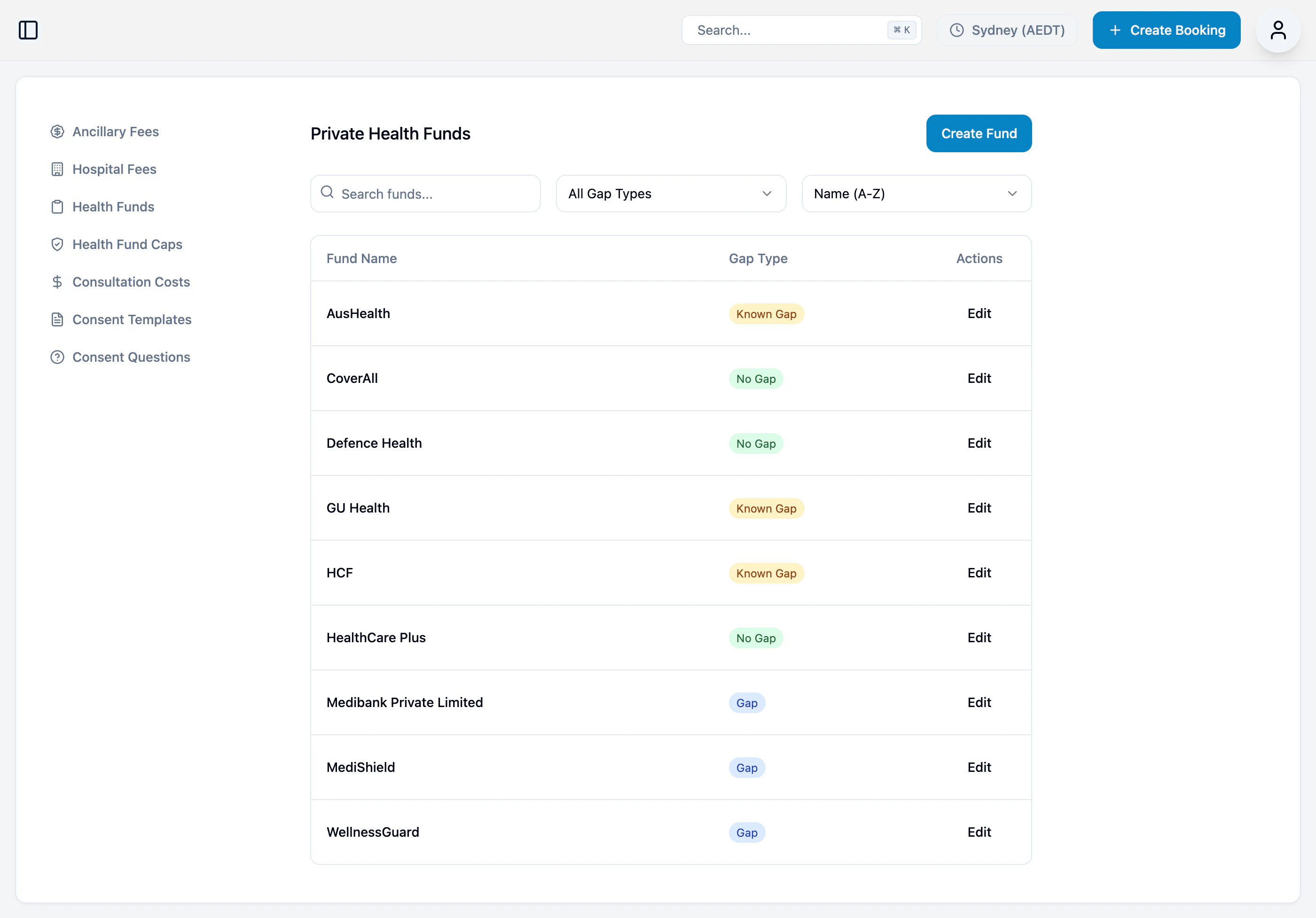
Click Add Health Fund to add a new fund. Click Edit to modify existing funds.
The gap type determines how out-of-pocket costs are calculated and displayed on financial consent documents.
Ancillary Fees
Estimated out-of-pocket costs for anaesthetic and pathology services.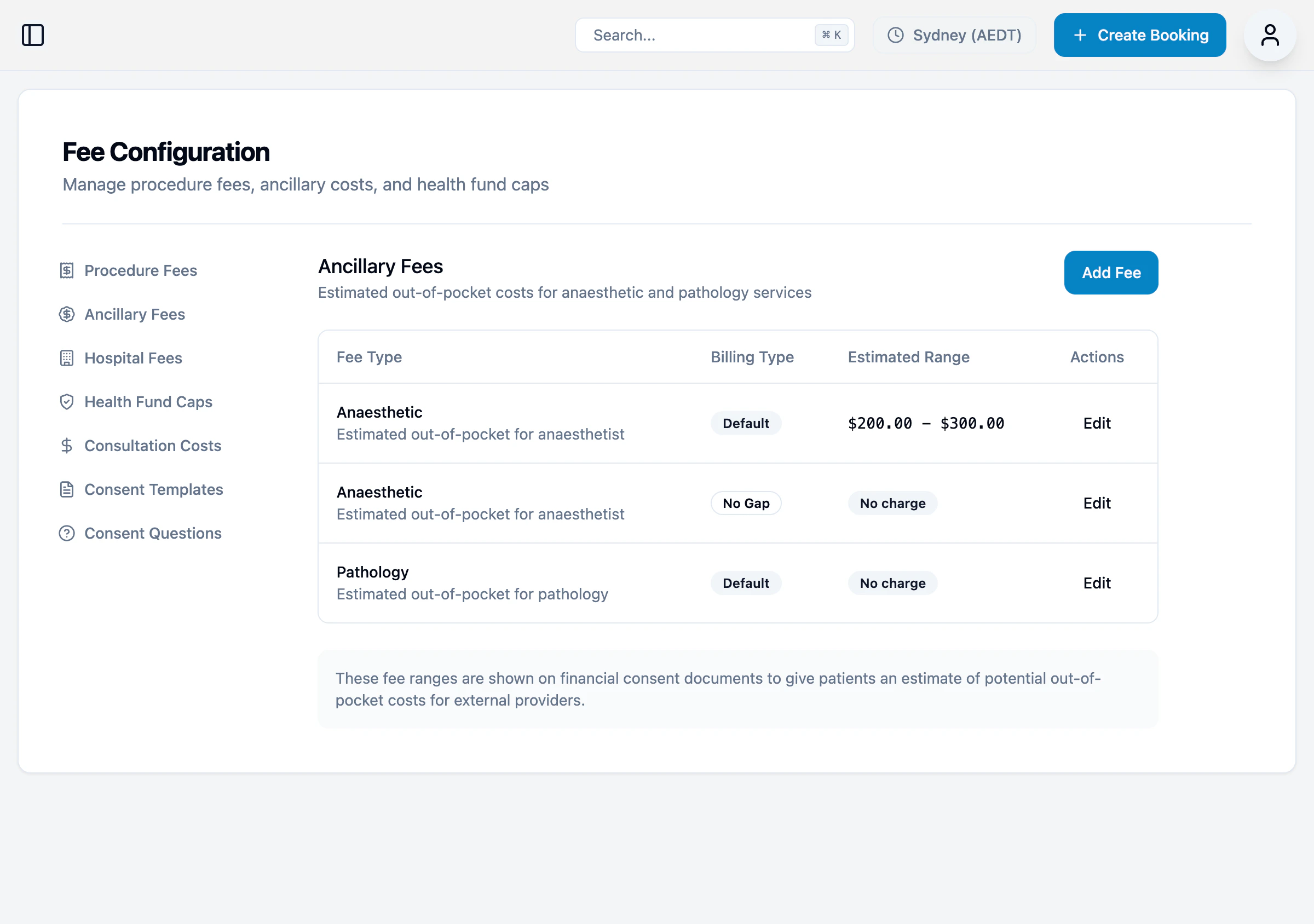
These fee ranges are shown on financial consent documents to give patients an estimate of potential out-of-pocket costs for external providers.
Hospital Fees
Day surgery fees shown on self-funded financial consent documents.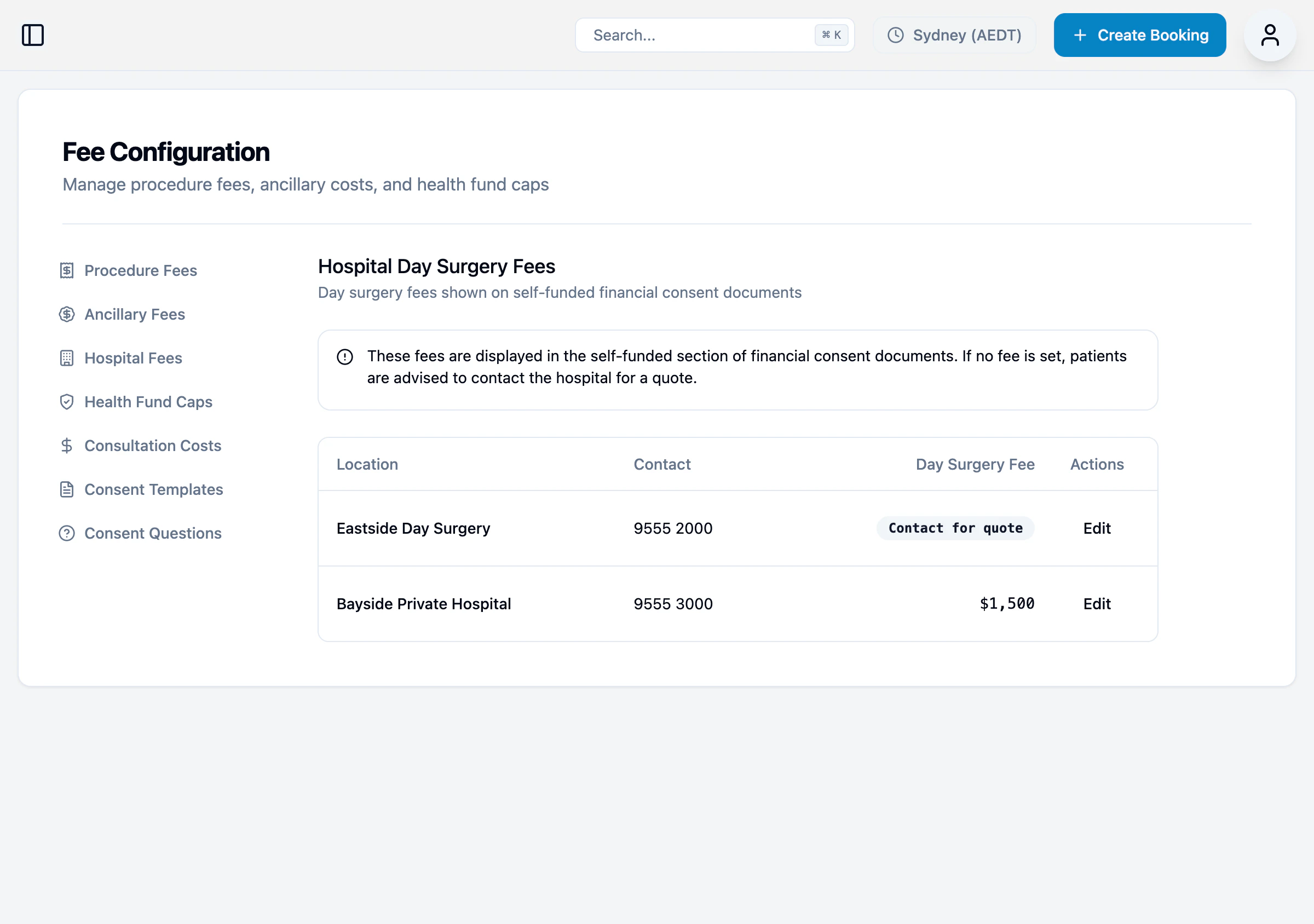
These fees are displayed in the self-funded section of financial consent documents. If no fee is set, patients are advised to contact the hospital for a quote.
Health Fund Caps
Configure default known gap amounts and per-fund overrides.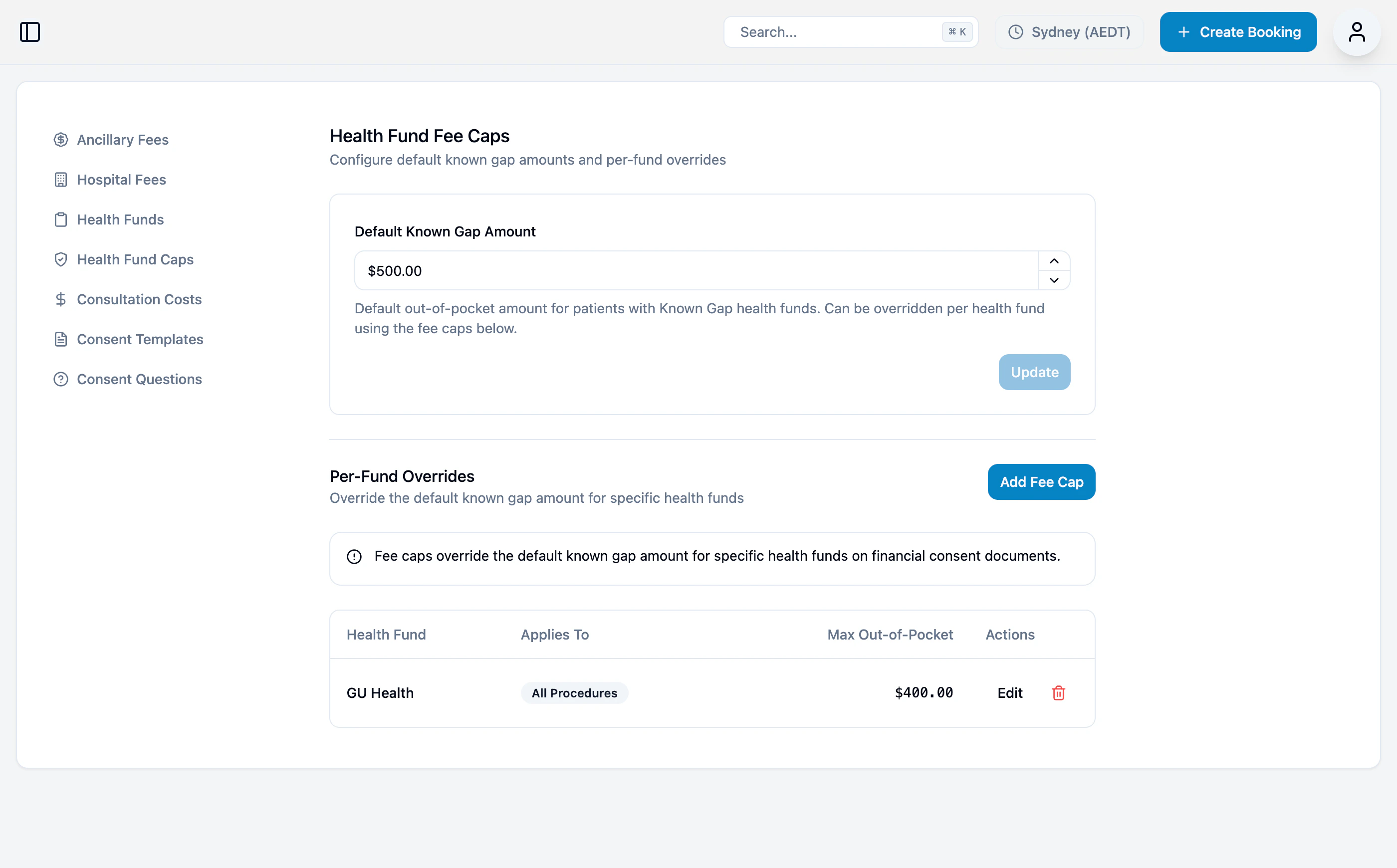
Default Known Gap Amount
The default out-of-pocket amount for patients with Known Gap health funds. This can be overridden per health fund using fee caps below.Per-Fund Overrides
Override the default known gap amount for specific health funds.Fee caps override the default known gap amount for specific health funds on financial consent documents.
Consultation Costs
Consult fees and MBS rebates.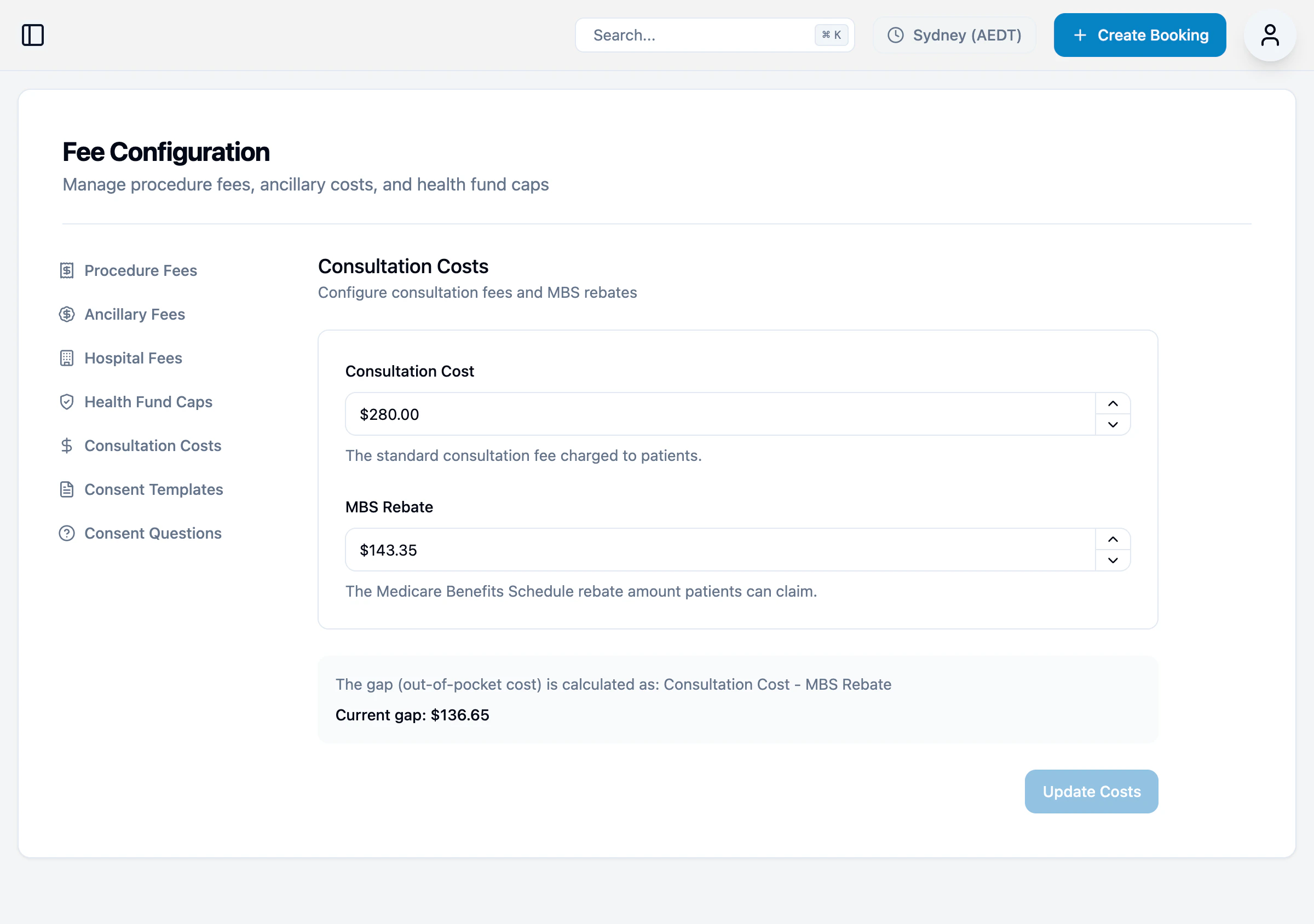
Consent Templates
Configure and preview the financial consent documents that patients will see and sign.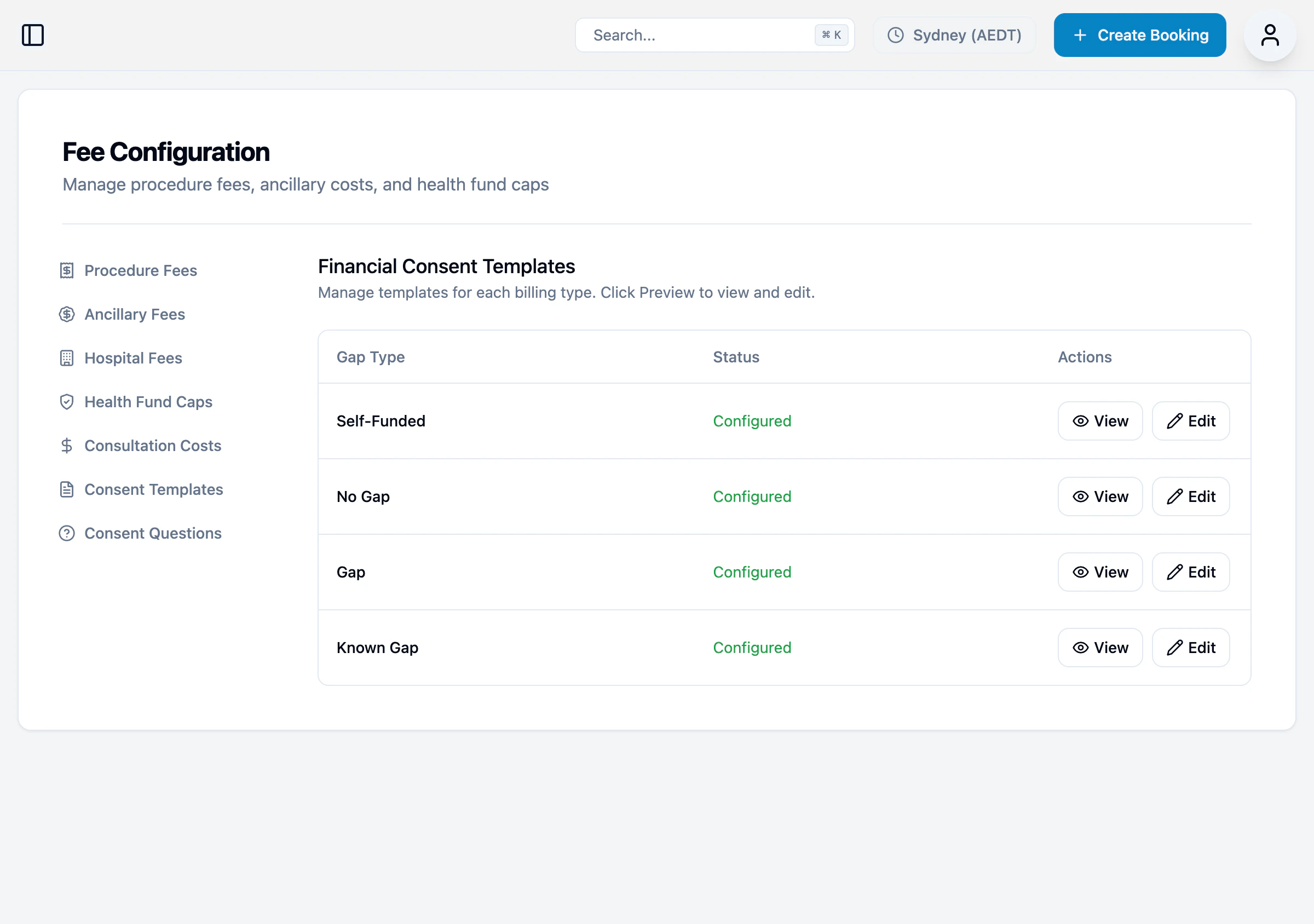
Consent Questions
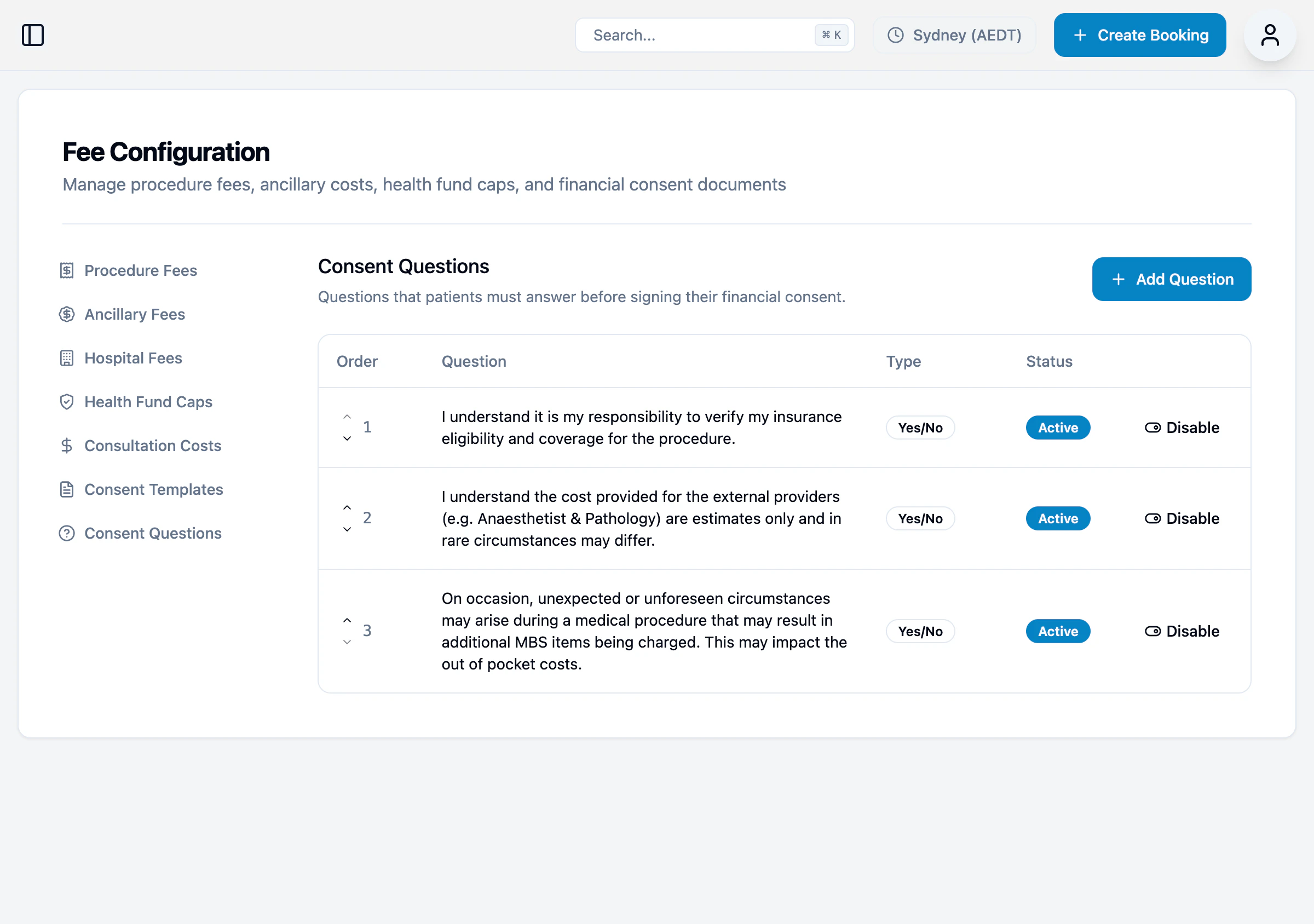
Questions patients answer before signing consent. These ensure patients understand their financial obligations.