

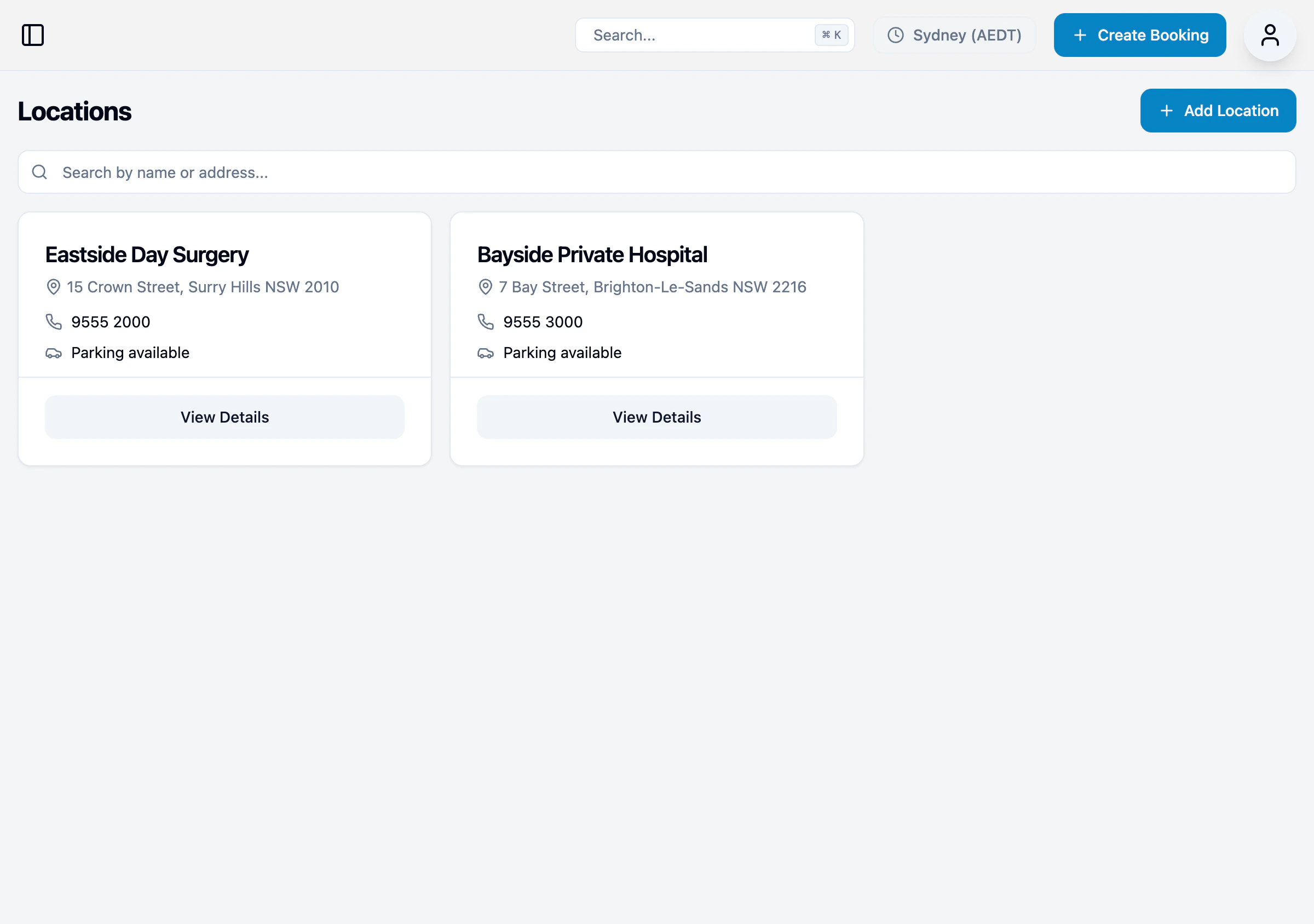
Location list
Each location card shows:- Location name
- Address
- Phone number
- Parking availability
Adding a location
- Click + Add Location
- Enter location details:
- Name
- Address
- Phone number
- Website (optional)
- Parking information
- Click Save
Viewing location details
Click View Details on any location to see the full information.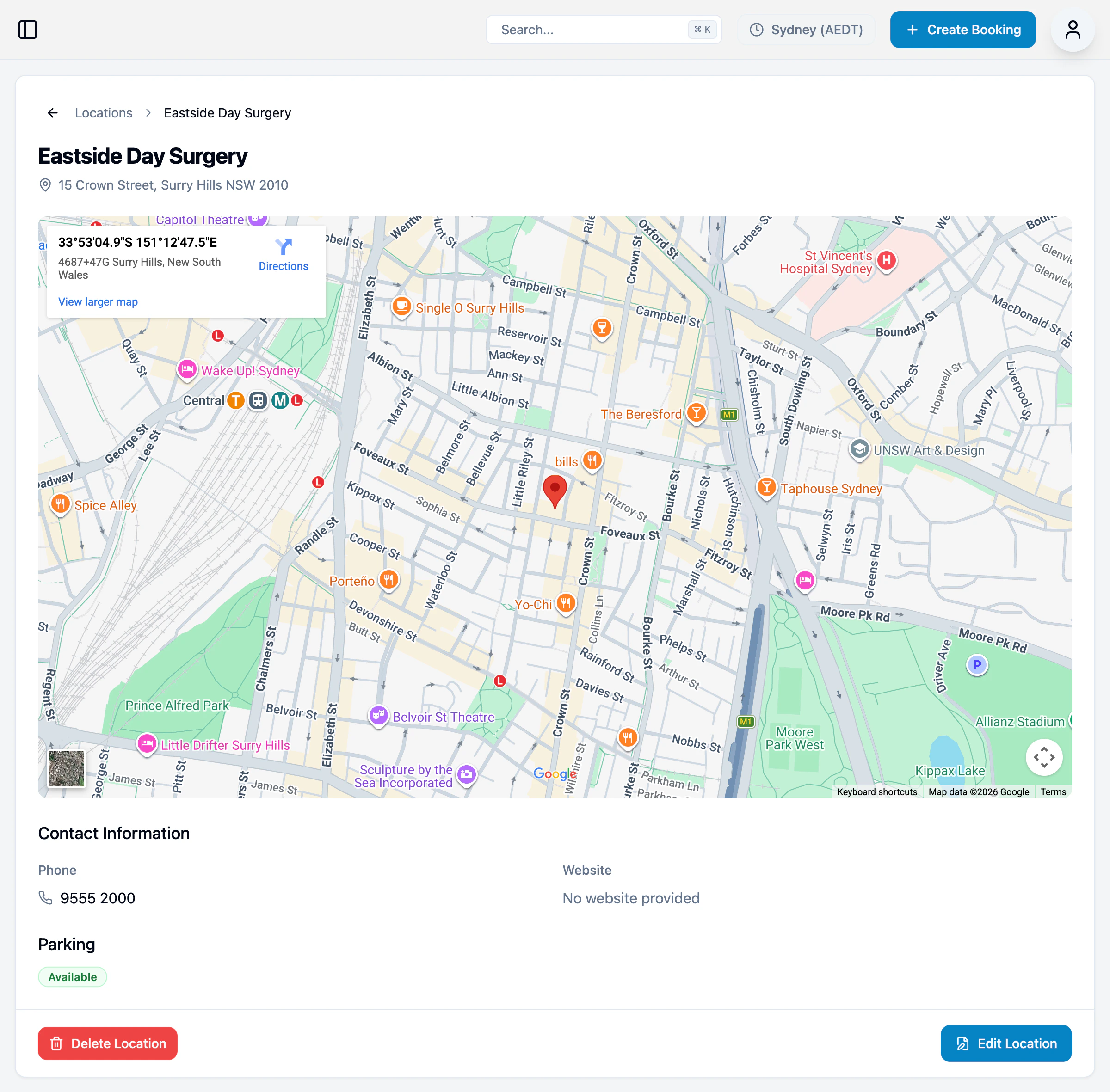
- Full address with map
- Contact information
- Parking details
- Edit and delete options
Editing a location
- Click View Details on the location
- Click Edit Location
- Update the details (name, address, phone, website, parking)
- Click Save